
A car rental spreadsheet works best when every reservation points to a specific vehicle, every payment points to a reservation, and every change follows the same rules. The downloadable workbook below connects those records. It calculates booking charges and balances, shows a 14-day fleet calendar, and flags overlapping reservations, including the time you need to prepare a returned car.
It suits an owner or a small team that can keep one booking file up to date. There are no macros or hidden subscriptions. The file includes fictional examples so you can see the calculations before replacing them with your own records.
Download the car rental spreadsheet template (XLSX). The prepared ranges support 20 vehicles, 100 booking or maintenance records, and 200 payment entries. Use one currency and one local time zone per workbook.
What the car rental Excel template includes
The Overview shows charges, recorded rental payments, outstanding balances, and rows that need attention. Those totals cover all records in the file. They are not a monthly income statement: a reservation can span reporting periods, and the date you receive money can differ from the dates you earn it.
The working sheets have separate jobs. Fleet holds vehicle IDs and basic details. Bookings records vehicle assignments, pickup and return times, rates, extras, discounts and turnaround buffers. Payments stores individual receipts and refunds. Calendar gives a short operational view of the vehicles. Instructions explains the calculation rules and supported ranges.
Amber cells are inputs. Plain cells contain formulas. The formulas remain visible so you can inspect how a balance or overlap count was calculated. Save an untouched copy before you edit the examples, and avoid pasting an entire exported table over formula columns.

Set up the fleet before entering bookings
Give each vehicle a stable internal ID, such as CAR-01. A registration number is useful for finding the car, but it can change. Using a permanent vehicle ID makes it easier to preserve booking history when plates or descriptions change.
Enter the registration, model or class, home location and active flag in Fleet. A booking must match exactly one vehicle ID. A spelling difference, an extra space or a duplicate ID can break that relationship. The input check identifies unknown and duplicate vehicles instead of quietly treating them as available stock.
Use the location field as a reference, not a branch-transfer scheduler. This workbook does not calculate whether a car can physically travel from an airport return to a city pickup. Add the necessary transfer time to the turnaround buffer and check the assignment yourself.
Start with a clean set of examples
The sample fleet includes three active vehicles and one inactive vehicle. Sample reservations show a normal booking, a back-to-back booking, a maintenance block and a cancellation with a refund. Replace the amber sample entries across Fleet, Bookings and Payments together. Leaving an old payment linked to a newly reused booking ID can make an unrelated reservation appear partly paid.
Keep booking and payment IDs unique. Numbering them in sequence is enough, provided one person controls the sequence. Never reuse a cancelled booking’s ID for a new customer. The cancelled record and its refund still need to describe the same transaction.
Enter a booking and check its charge
Begin with the booking ID, then choose the vehicle and enter pickup and return as actual spreadsheet dates and times. Typing a description such as “Friday morning” will not produce a valid interval. Enter zero for unused extras, discounts or buffer hours rather than leaving required numeric inputs blank.
The template uses one simple billing rule: every started 24-hour period counts as a billable day. A booking lasting exactly 48 hours has two billed days; one lasting 49 hours has three. Extras and discounts are amounts for the whole booking. The charge is billed days multiplied by the daily rate, plus extras, less discount, with a minimum of zero.
For the fictional B-001 reservation, the car leaves at 10:00 on 1 October and returns at 10:00 on 3 October. At 55 per day with 15 in extras and no discount, the charge is 125. A recorded rental payment of 50 leaves 75 outstanding. The workbook contains these values, so you can check your first edits against a known example.
If your rental terms include an hourly tariff, a grace period, weekly packages or a different rounding rule, this calculation needs adapting before use. Do not let the spreadsheet decide contractual charges that differ from the terms you agreed with the renter.
Keep status changes explicit
Confirmed, Out and Returned reservations retain their time allocation. Maintenance also blocks the vehicle but produces no rental charge. Cancelled reservations do not reserve availability and have a zero charge in this template. It does not calculate cancellation fees. If your business retains a fee, record and reconcile that exception in your invoicing process rather than hiding it in the daily rate.
Returned records stay in the file because they explain past activity and payments. Before removing a vehicle from service, finish its live bookings and preserve the historical records. An active flag is not a substitute for recording exactly when a vehicle is unavailable.

How the overlap warning works
A clash exists when two non-cancelled records use the same vehicle and their reserved intervals intersect. The reserved interval ends after the return time plus the turnaround buffer. The comparisons use minute-level times to avoid tiny spreadsheet date-rounding differences at a boundary.
Consider a return at 10:00 with a two-hour buffer. The vehicle becomes available at 12:00. A new pickup at 12:00 is allowed; a pickup at 11:00 produces an overlap warning. The sample B-001 and B-002 records demonstrate the allowed boundary. Change the second pickup to 11:00 and both rows show a conflict.
The core rule is straightforward: the first booking starts before the second booking’s available-from time, and the first booking’s available-from time falls after the second booking starts. Both conditions must hold. The workbook applies that rule with multiple criteria; Microsoft’s COUNTIFS documentation explains the underlying Excel function.
A warning does not reject a booking or lock the car.
Two colleagues can still confirm the same vehicle while looking at separate copies. Recheck the master file immediately before confirming a reservation, and assign responsibility for resolving every nonzero overlap count. If you find a conflict, resolve the vehicle assignment first, then check that the customer’s confirmed times still match the corrected record.
Read the calendar as a daily overview
Change the Calendar start date to display the next 14 days. A shaded cell counts the booking or maintenance blocks touching that date, including preparation time. Two sequential bookings on one day can produce a count of two without overlapping. That is why the exact overlap count lives in Bookings rather than being inferred from the calendar colour.
A blank-looking day also needs context. Invalid booking rows do not feed the calendar, and an inactive vehicle may have no reservations. Resolve the Overview error counts and check the fleet record before treating a car as available. Mechanical condition, cleaning and location still require a physical or operational check.
Record payments without confusing them with deposits
Enter one row per payment transaction, with a unique payment ID, the booking ID, date, type and signed amount. Use a positive amount for money received and a negative amount for a refund. The booking’s Rental paid value adds valid Rental entries for that booking ID.
Deposit entries remain separate. In the sample, the 250 deposit against B-001 does not reduce its 75 rental balance. A refundable security deposit and an advance payment toward rental charges have different purposes, so choose the type according to the actual transaction. The file does not manage card authorizations or release a payment hold.
For a cancellation, keep the original receipt and add a separate negative refund. B-005 contains a 65 payment and a minus-65 refund, leaving a zero net rental payment. If a refund is still due, the negative booking balance remains visible as a credit to resolve.
Do not delete the original receipt merely to make the balance look tidy.
Check receipts against the bank or payment provider. This workbook records what you enter; it does not confirm that a transfer settled. Put a transaction reference in the note field, while keeping payment-card numbers and identity documents outside the spreadsheet.
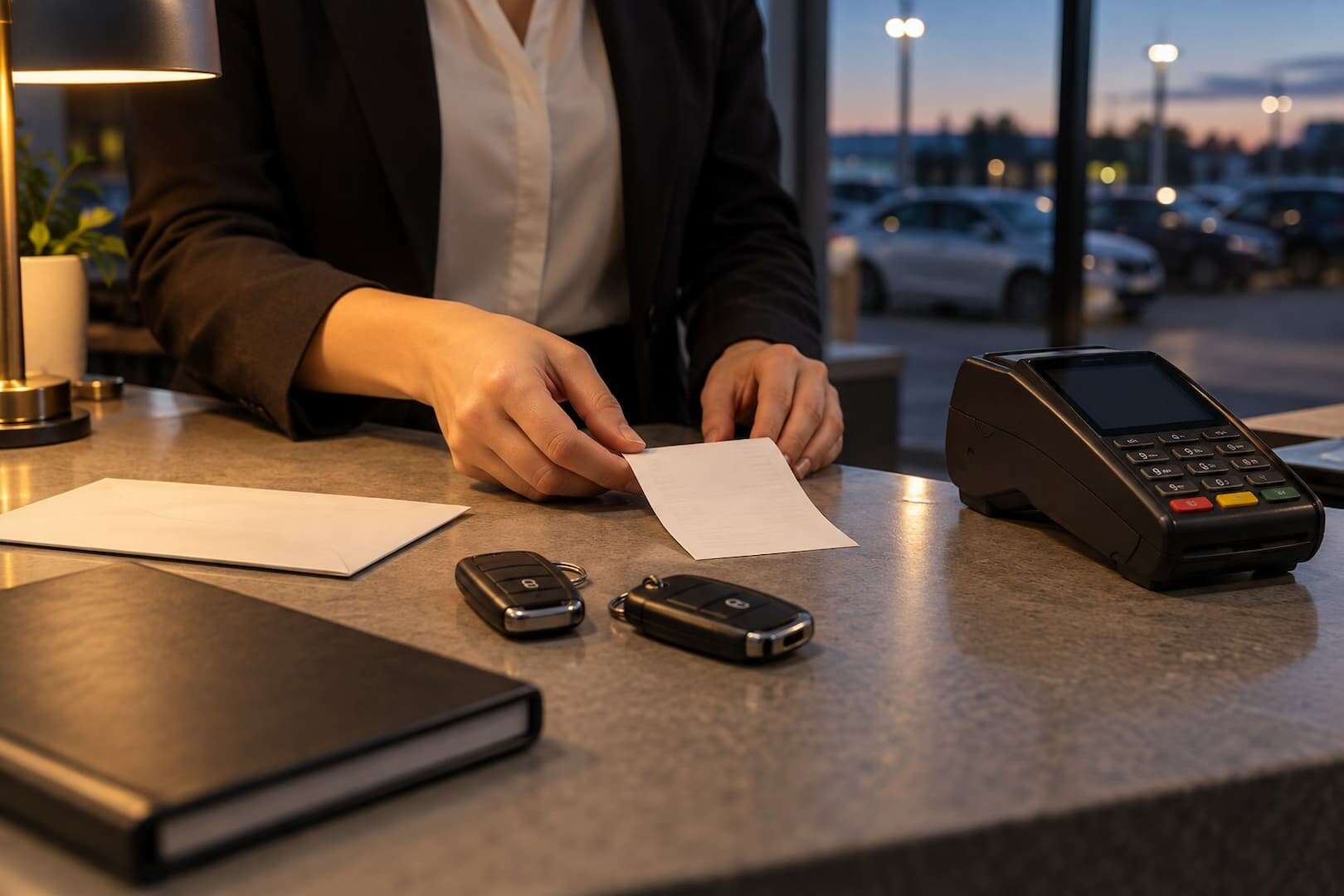
A daily routine that keeps the workbook useful
At the start of a shift, read the upcoming pickups and returns, then check maintenance blocks and preparation time. Review every input warning before relying on totals. A row with an unknown vehicle or invalid date is excluded from the calculations until someone corrects it.
During the day, update the return time when an extension is agreed. Check the resulting overlap count before promising that extension: moving one return can affect the next customer’s pickup. Add receipts and refunds as separate transactions instead of overwriting a cumulative “paid” figure.
Before closing, reconcile the day’s payment entries with the provider records and save the master file. Keep a dated backup in a location your team controls. If a formula has been overwritten, compare it with the untouched template and restore the formula before entering more transactions.
Sort complete records, including their formula columns. Sorting only a vehicle column can detach a reservation from its dates or price. The prepared formulas use fixed ranges, so adding rows beneath the supported capacity does not automatically extend every calculation. Review all dependent ranges before increasing capacity.
Using the file with Google Sheets
The download is an XLSX workbook, not a separate hosted Google Sheets template. A converted copy needs checking before operational use. Date parsing, validation and display settings can change during import, and this package has not been independently tested in a live Google Sheets account.
Use the fictional examples as acceptance checks after conversion: B-001 should show a charge of 125, rental payments of 50 and a balance of 75. Its deposit must stay excluded. The 12:00 follow-on booking should have zero overlaps; moving it to 11:00 should flag both bookings. Also enter a new record near the end of each prepared range and check that totals update.
Only replace the master file after those checks pass. Google’s COUNTIFS reference documents the equivalent function, but support for a function alone does not prove that a converted workbook behaves correctly.
When to move beyond a spreadsheet
The limit often appears in the workflow before it appears in the number of cars. Repeatedly reconciling copies, taking simultaneous online bookings or coordinating several locations creates work that a manual file cannot control reliably. Keep a list of the steps your team is repeating and use it when comparing systems.
For the broader operating process, read our guide to rental fleet management. If you need to connect reservations with the rest of the business, review TopRentApp’s current features against that list. Your spreadsheet can remain a useful starting record, provided its IDs, dates and payment history are consistent enough to transfer.